
One tab instead of twenty apps
PDF, video, image, spreadsheet and presentation editors, plus 131 more tools for everyday work. They run in your browser, with nothing to install and no account.
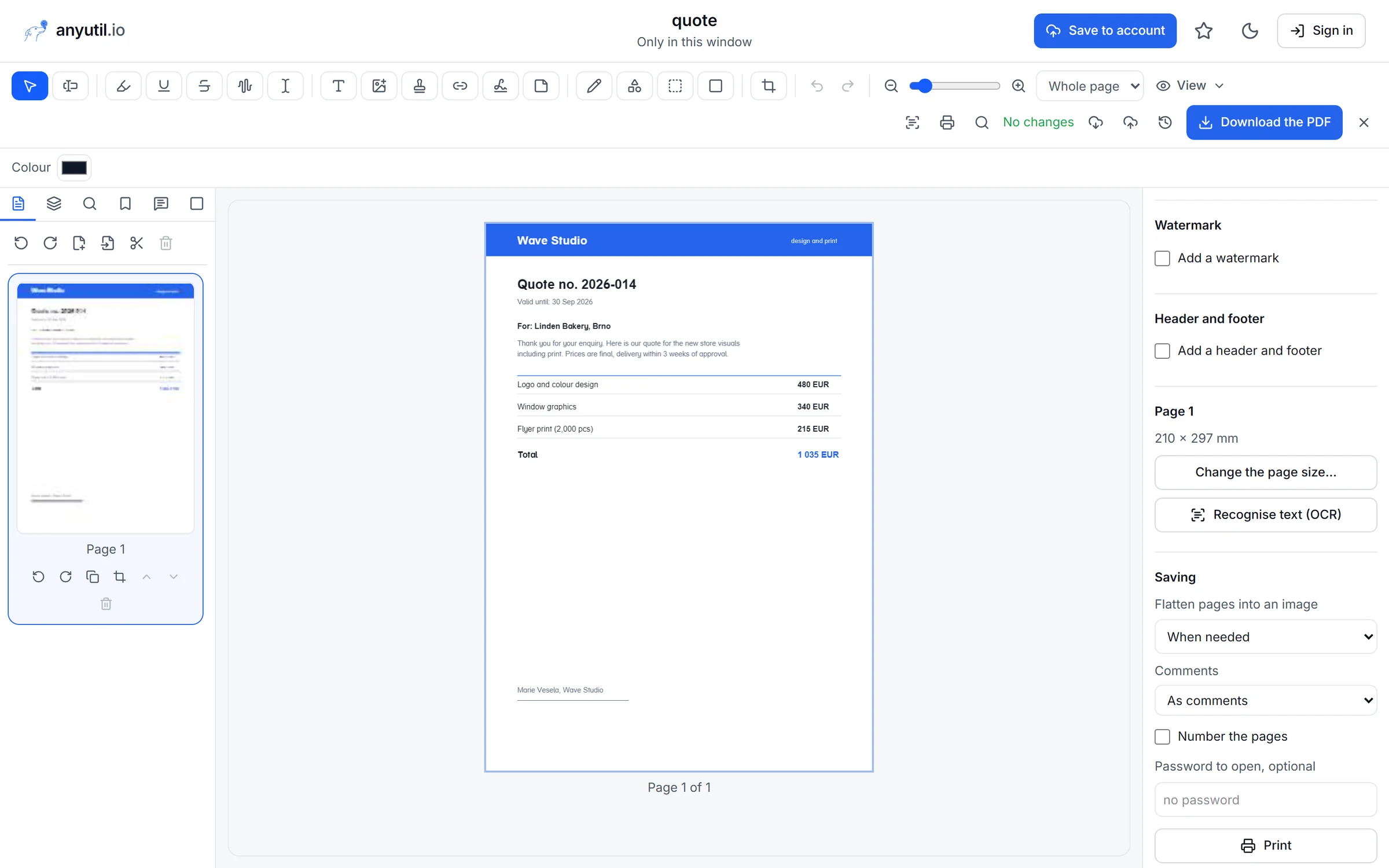
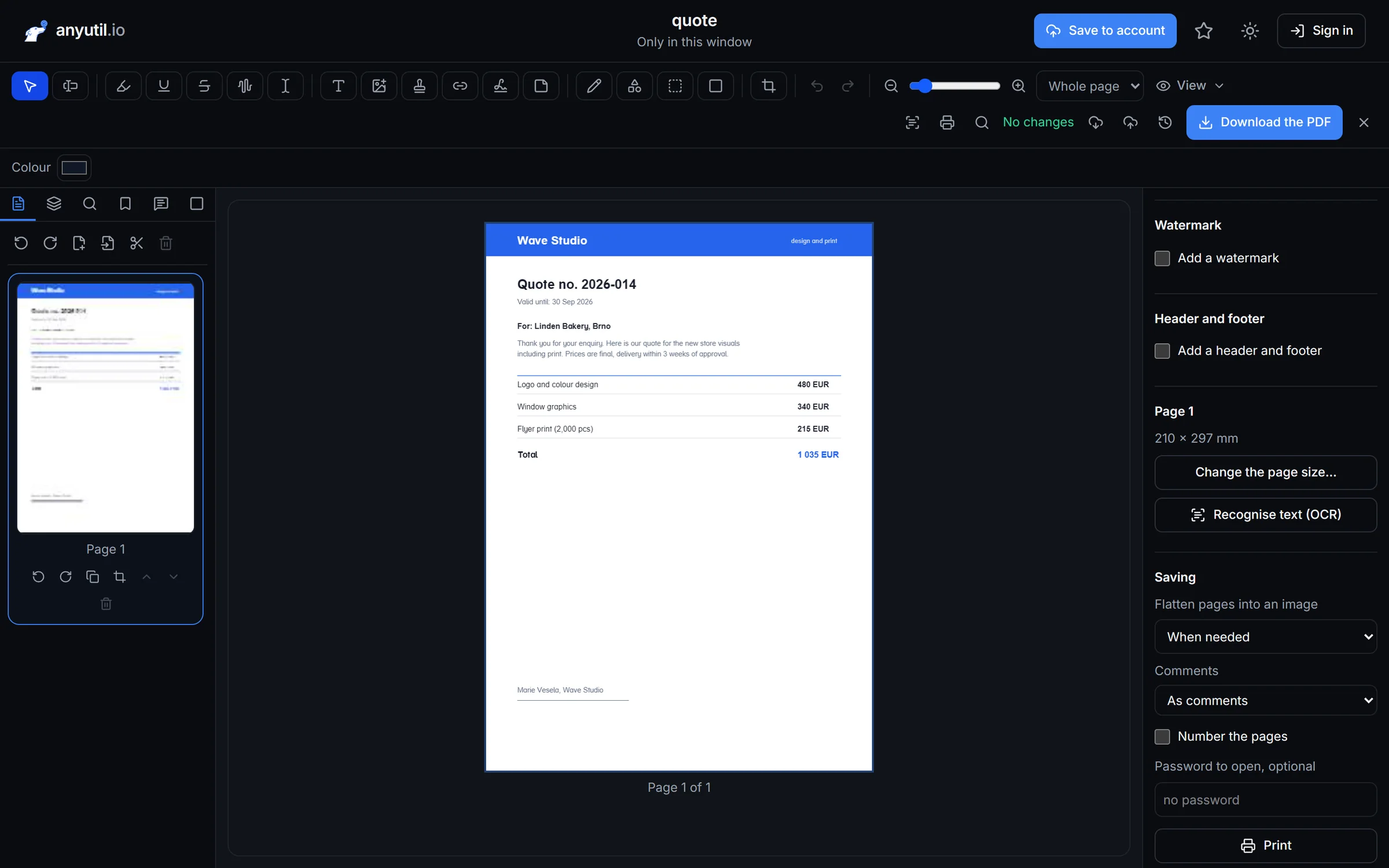
Edit a PDF like a document, not a picture
Rewrite text right on the page, add a signature and reorder pages. Next to the editor there are tools to merge, compress, convert to Word and JPG or lock with a password.
Edit the text
Fix a typo without converting to Word.
Signatures and notes
Signature, stamp, highlights, comments.
Password and redaction
Sensitive data leaves the text layer too.
Video
Edit video with nothing to install and no watermark
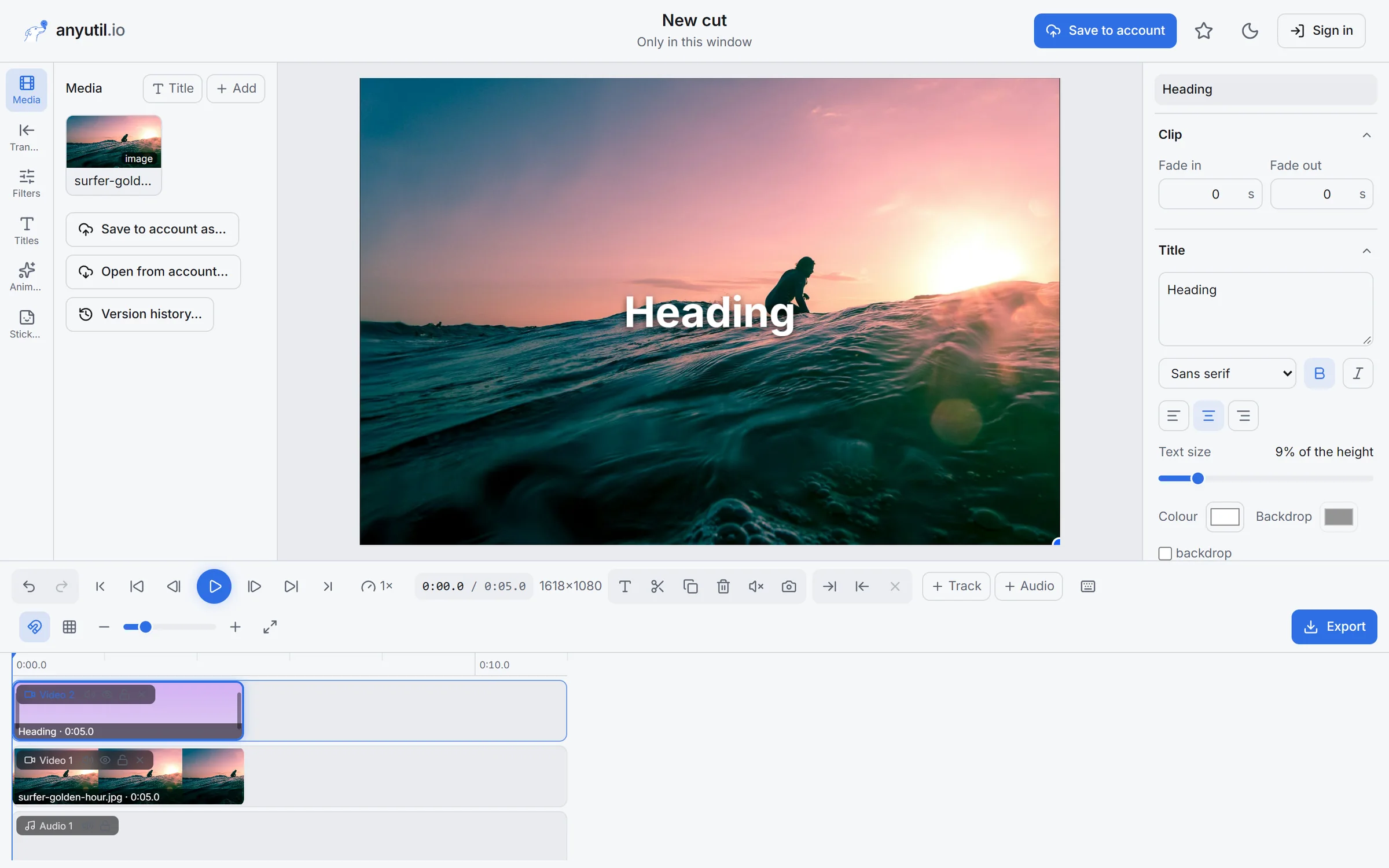
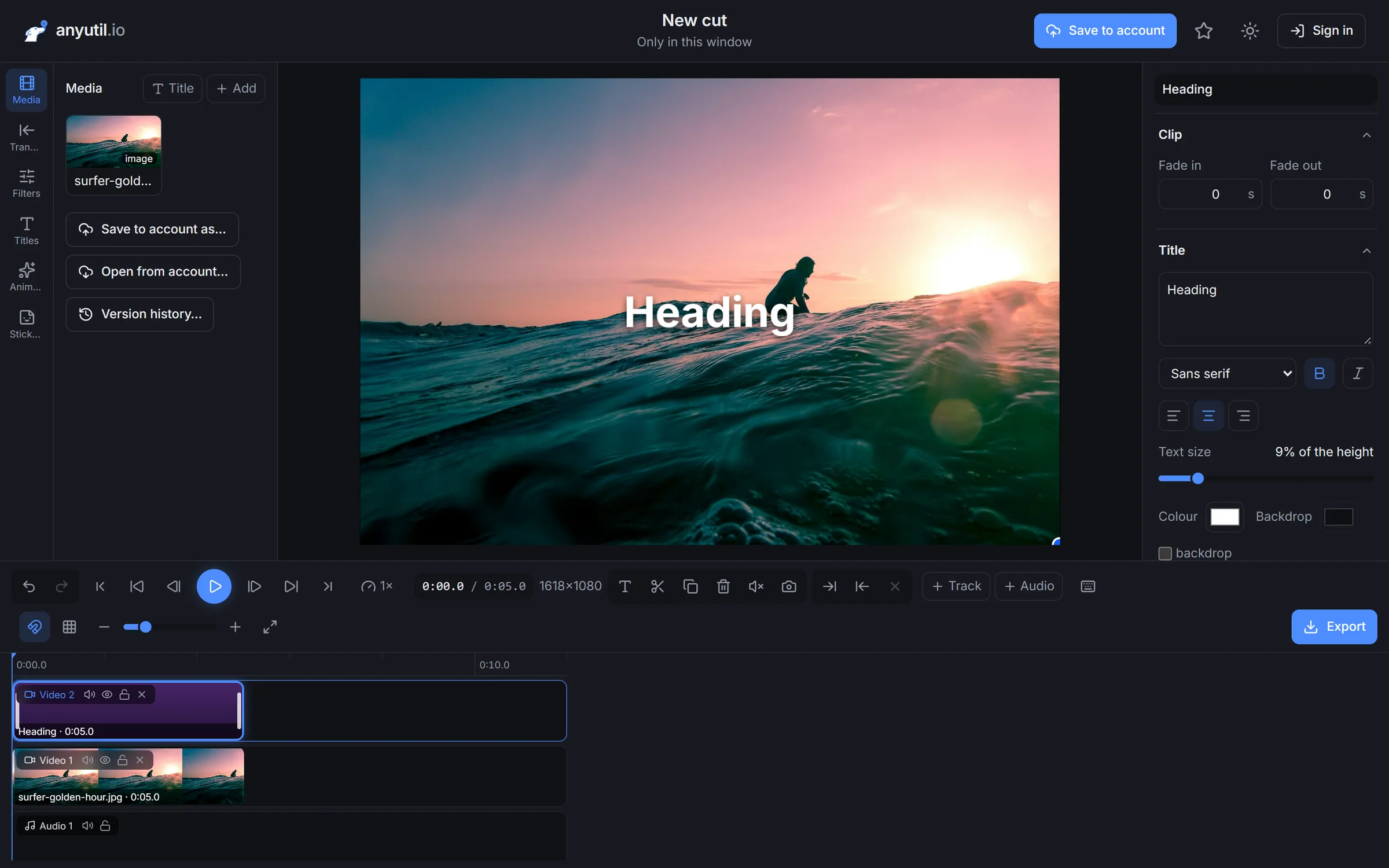
A multi-track timeline with titles, transitions and filters. The video renders on your computer, so there's no queue on somebody else's server.
Multiple tracks
Video, titles and audio stacked up.
Titles and animation
Fade in, fade out and keyframes.
Quick edits
Trim, join, convert to GIF or MP3.
Images
Layers, selections and filters like a desktop app
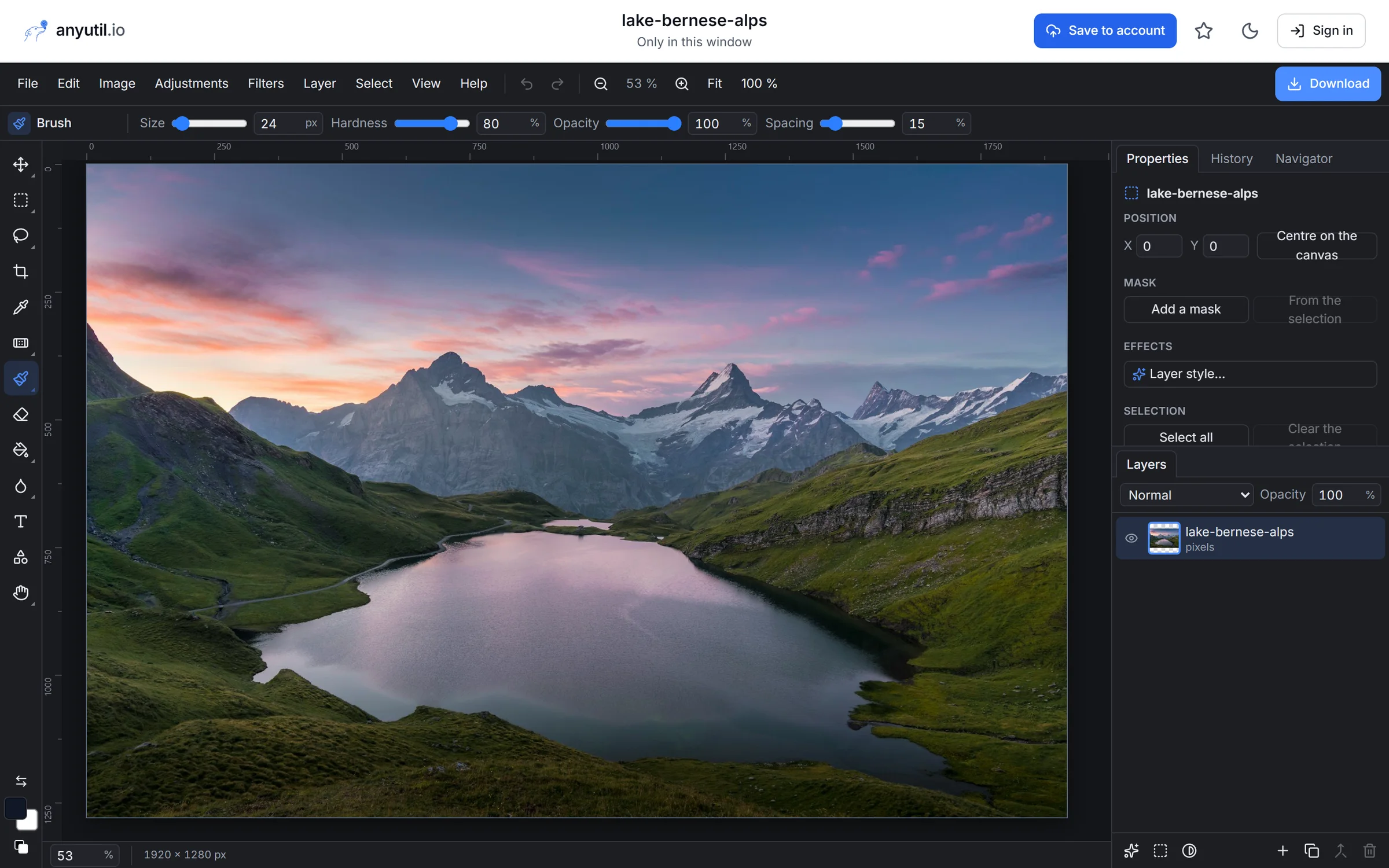
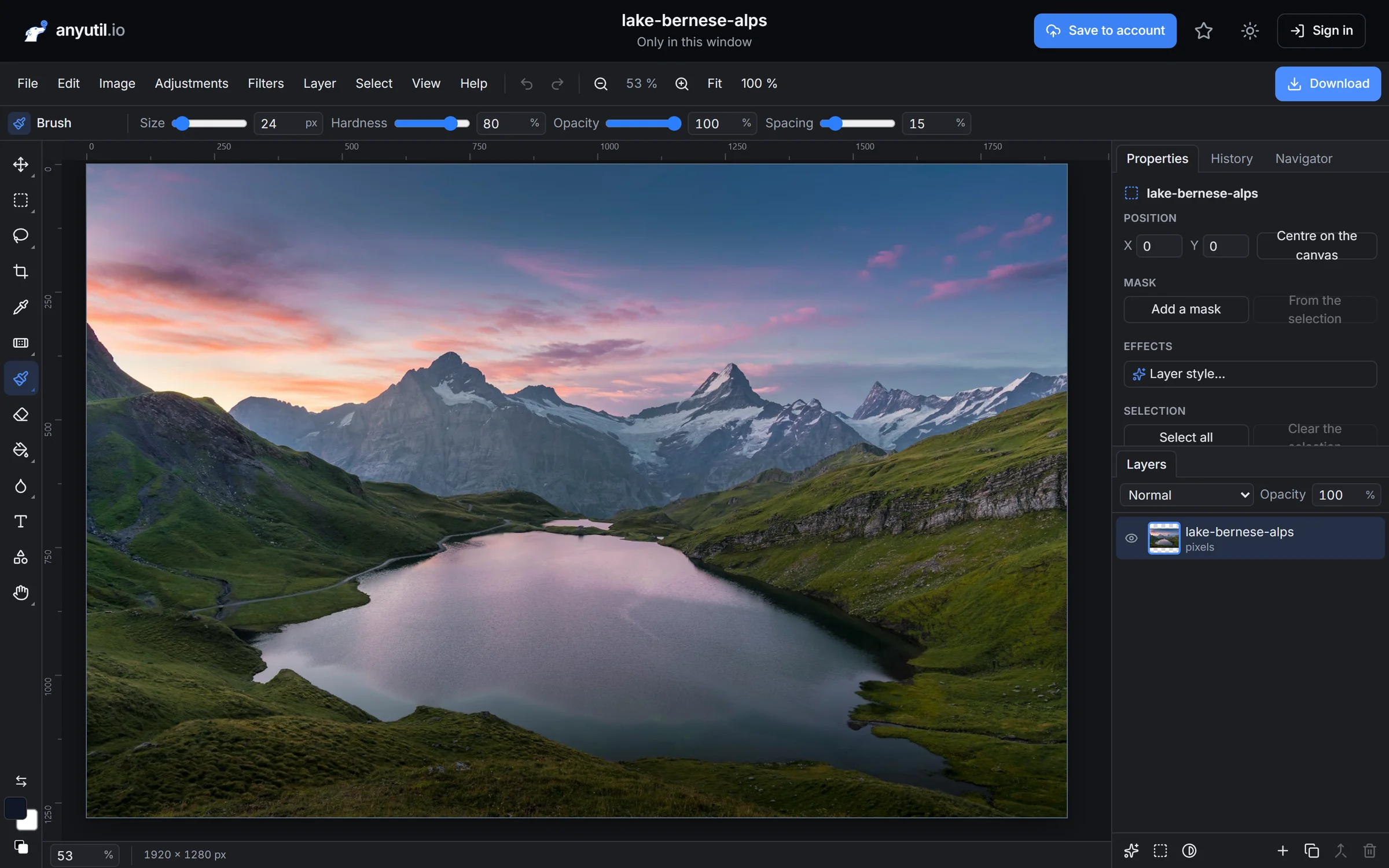
A full image editor with layers and masks. Next to it: background removal, photo upscaling, HEIC conversion and passport photos.
Layers and masks
Blend modes, opacity, layer styles.
Background removal
One click, transparent PNG.
Batch edits
Compress, resize, convert formats.
Office
Spreadsheets and presentations that open Office files
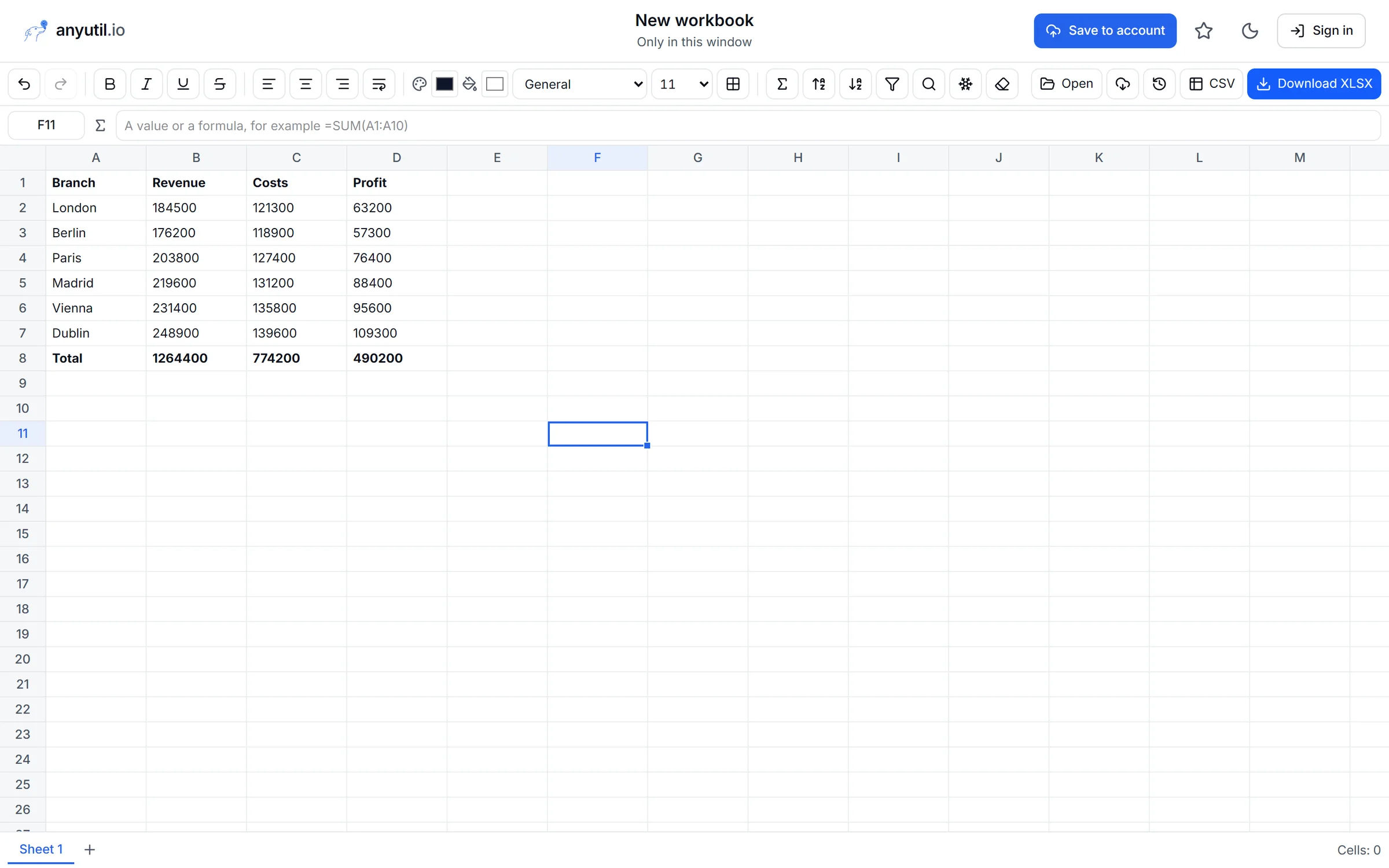
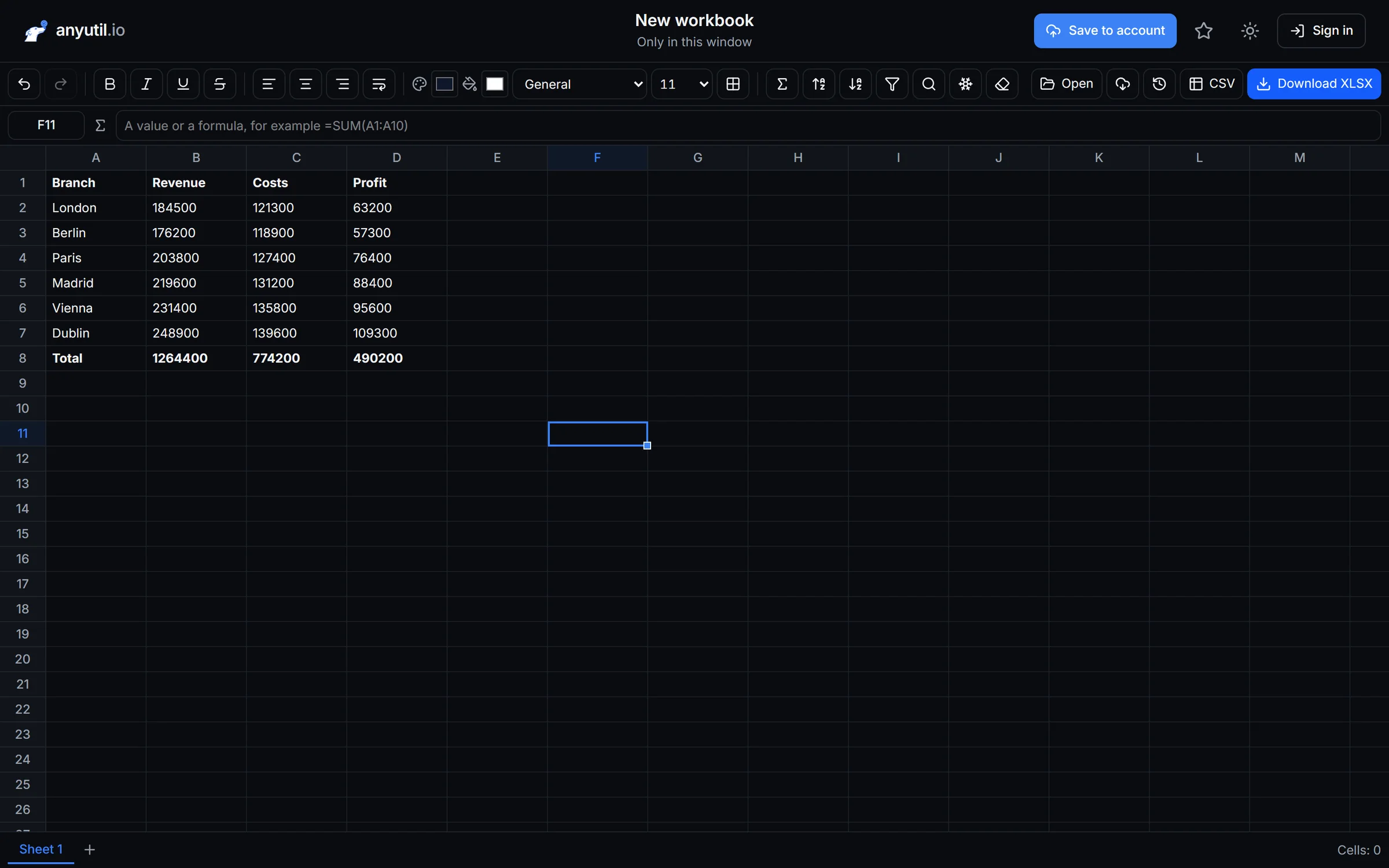
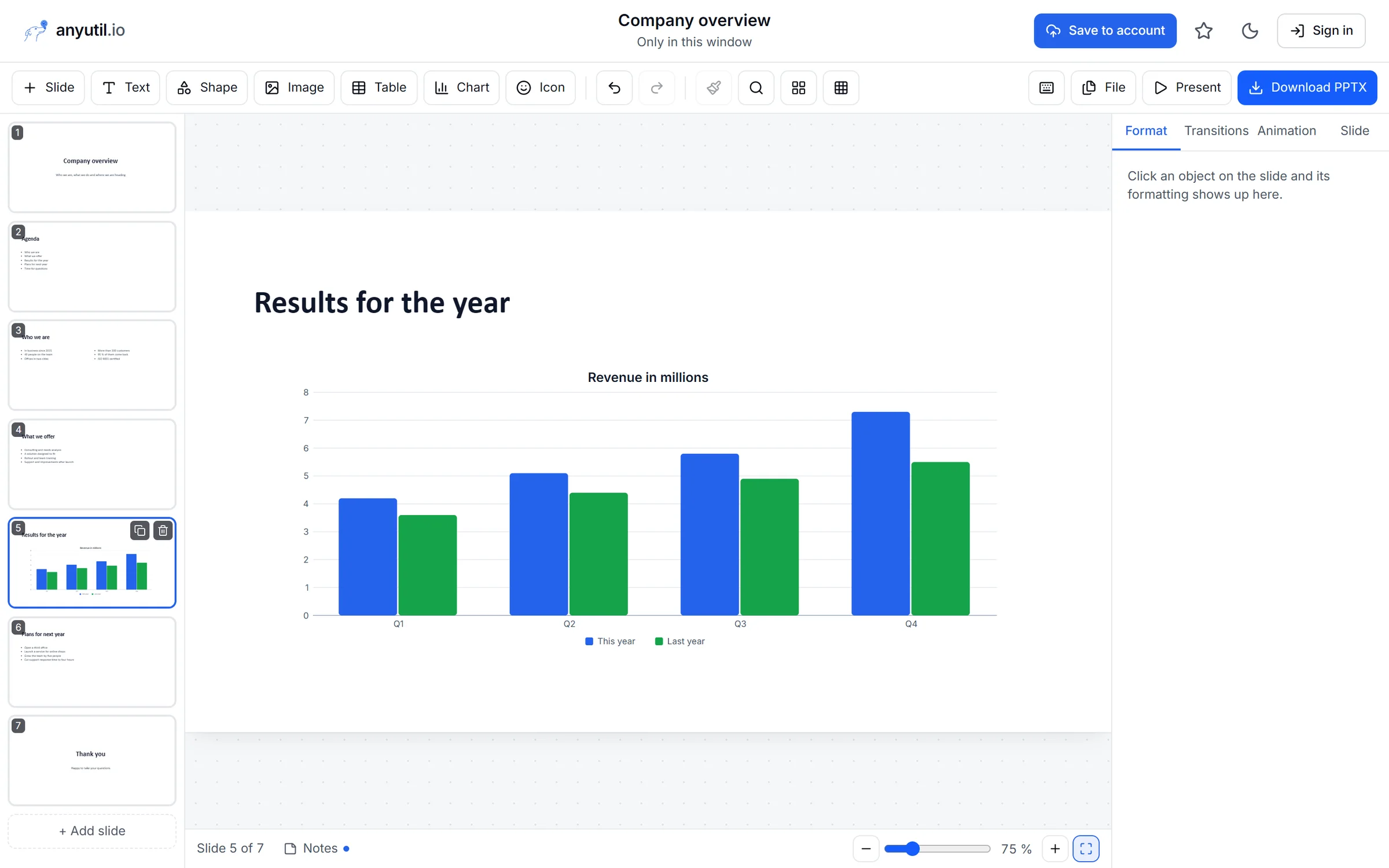
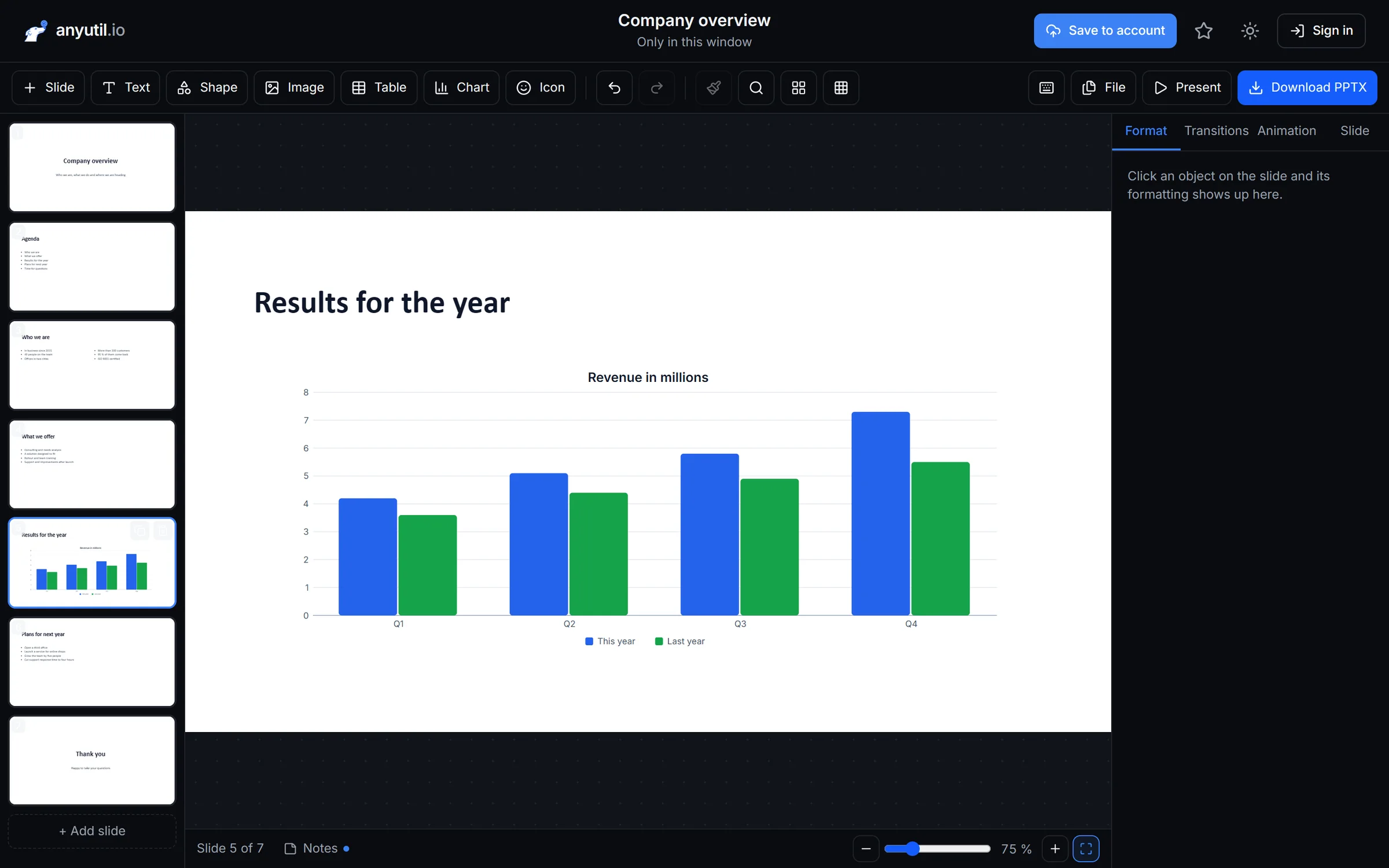
The spreadsheet editor calculates formulas and saves XLSX, the presentation editor reads and saves PPTX. Charts, templates and presenting are built in.
Formulas and series
SUM, find and replace, filters.
Presenting
Transitions, animations and speaker notes.
Office formats
XLSX, CSV and PPTX in and out.
Privacy
Your browser processes the files, not our server
When you open a tool, only the app is downloaded. The contract, the invoice or the holiday video stay on your computer and get processed there. That's also why it's fast with big files.
- tools run entirely in your browser
- 122 of 136
- ads or third-party trackers
- 0
- we delete files on the tools that need a server
- Right away
136 tools in one place
From full editors to the small jobs that aren't worth installing an app for.
Presentations
- PPTX viewer
- Presentation editor
- Outline to presentation
- Speaker notes from PPTX
- Presentation checker
- Split a presentation
Spreadsheets
- Spreadsheet editor
- XLSX and CSV converter
- Number statistics
- Remove duplicates
- Table to HTML and Markdown
- Text to columns
Free for everyday work. Premium when there's more of it.
Tools that run in your browser stay free forever. Cancel your subscription any time.
Free
$0
No account needed
Get started free- Every in-browser tool, no limits
- Server tools with a daily limit
- Merge up to 10 PDFs at once
- No watermarks
Premium
– / month
Get Premium
- Everything in Free
- No daily or monthly limits
- Merge up to 50 PDFs, bigger files
- Projects saved to your account
- Premium presentation templates
Business
– / seat a month
Pay only for seats in use
Plans for teams- Full Premium for every seat
- One-click email invitations
- Add or remove seats any time
- One invoice for the whole team
Frequently asked questions
Didn't find an answer? Write to us or browse the help center.
Do I need an account?
No. Open a tool and get to work. You only need an account for Premium and for saving projects to your account.
Where do my files get uploaded?
For most tools, nowhere: your browser processes the file. A few tools need a server, such as video conversion. There we delete the file once it's processed, and the tool page always says so.
Do results have a watermark?
No. You download the result as it is, on Free and on Premium.
What does Premium unlock?
It removes the daily limits on tools that run on the server, raises file size limits and unlocks premium templates and saving projects to your account.
Can I cancel any time?
Yes, with one click in subscription management. No notice period. Premium runs until the end of the paid period.
How does the business plan work?
You buy as many seats as your team has people and hand them out by email. Every seat is full Premium for one person, and the whole team is on one invoice.
Try it on your own file
No account, nothing to install. Just open a tool.